

How to choose the right content management system (CMS) is an essential key to the success of your website and therefore your business.
Back in the early days of the World Wide Web, an essential reference book was the “Content Management Bible” by Bob Boiko (2001) which explained everything involved in managing content for electronic and print publications.
Web design and development operates on a more interactive level now, with websites and pages being replaced by web “applications.” However, the content management principles outlined in the book are still applicable, as apps still display content which requires:
- Taxonomy: the content needs to reflect an implicit or explicit structure to be meaningful.
- Collection: the system must have components for authoring, importing or retrieving content.
- Management: it’s essential to have a content repository with administration rules and workflows, including digital governance.
- Publishing: there will be a process to take the content elements from the repository and present them ready for consumption in multiple channels using templates.
Out of these basic principles, multiple systems have been developed, from the early days of the so-called monolithic solutions like Microsoft Content Management Server to the current offering which goes from enterprise level Digital Experience Platforms (XP) like Sitecore to small and medium site options like WordPress, Joomla, Drupal, Umbraco, Wix, Typo3 and Squarespace.
Also, as technology has advanced, the environment for hosting a CMS has also evolved, from proprietary systems hosted on internal servers to Software as a Service (SaaS) solutions hosted in the cloud.
At Zebedee, we have been involved in a number of CMS-related projects since 1997 which has allowed us to experience working with many platforms, from the good, the bad and the ugly! And from day one, one of the main questions we answer for our clients is which CMS is better suited for the job. Below we’ve evaluated the three of the most commonly suited CMS platforms.
WordPress

As we move through 2026, WordPress remains the world’s most popular CMS, powering over 43% of the web. With the release of WordPress 7.0, the platform has become “AI-native,” offering smarter workflows than ever before.
Pros:
- Open-source and highly cost-effective to develop and maintain.
- New “Abilities API” allows for native AI-assisted editing and smart pattern suggestions.
- The most popular choice for a WordPress website design in London due to its massive developer community.
- Full Site Editing (FSE) now allows for total visual control without heavy custom code.
Cons:
- Popularity makes it a target: third-party plugins require constant monitoring and security updates.
- Requires an expert developer to build a truly bespoke, high-performance professional site.
Umbraco CMS
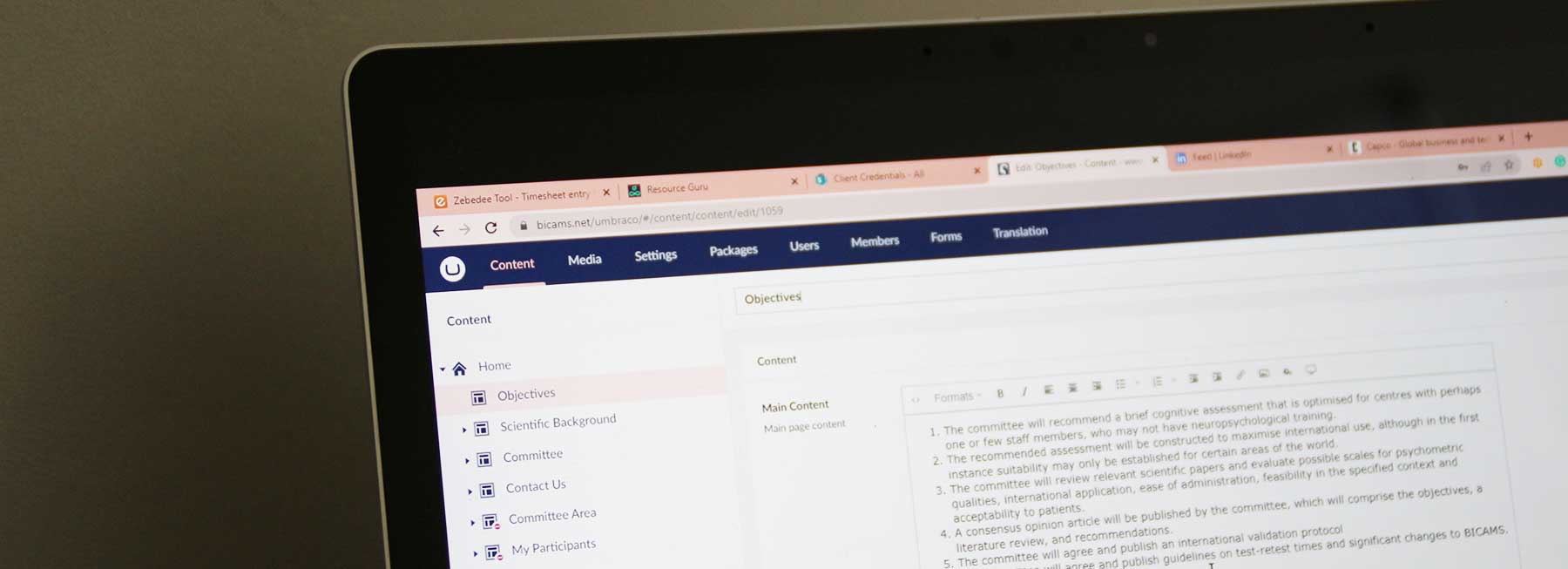
Umbraco CMS: The Enterprise Powerhouse
Umbraco 17 (LTS) is the latest Long-Term Support version, built on the rock-solid foundation of .NET 10. It is often referred to as the “Friendly CMS” because it offers a highly tailored experience for editors.
Pros:
- Extreme Flexibility: It can accommodate complex intranets, multilingual sites, and bespoke web applications.
- Security: Built-in integration with the industry-standard .NET development pattern provides a very tight security model.
- Zebedee is a specialist Umbraco agency, providing high-performance solutions for Windows-based ecosystems.
- Perfect for “Headless” setups where content needs to be delivered to apps and various web platforms simultaneously.
Cons:
- More costly to implement: requires a highly structured development lifecycle and advanced planning.
- Testing and deployment overheads are higher than simpler platforms.
Squarespace
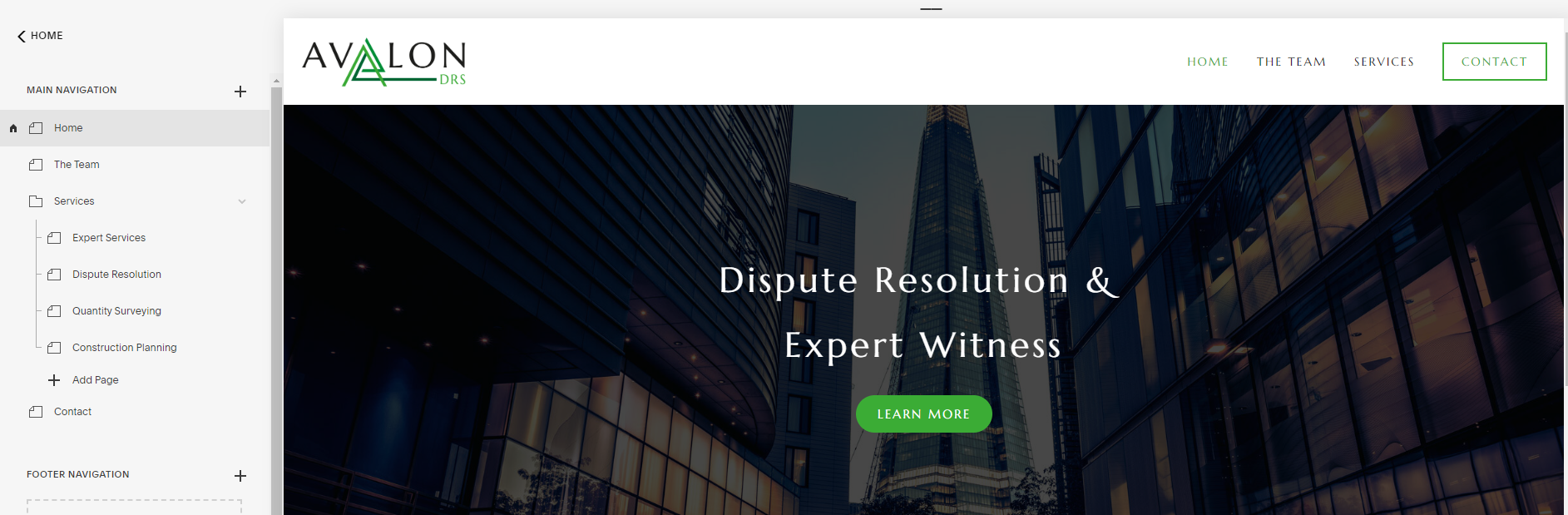
Squarespace: The Entry-Level Option
Launched as a blogging engine, Squarespace has grown into a fully managed “Software as a Service” (SaaS) solution for over three million subscribers.
Pros:
- Very cost-effective for simple brochure sites.
- Fully managed: hosting and security are handled entirely by the platform.
Cons:
- Limited integration: you can only use the features Squarespace provides.
- Technical SEO is restricted: you cannot make the deep performance or structural changes possible with WordPress or Umbraco.
Strategic Decision Guide
The best way to approach to decide which of these CMSs is more suitable for your website or project is to compare how they work in the following scenarios:
| If you want to… | Squarespace | WordPress | Umbraco |
|---|---|---|---|
| Publish a simple brochure site based on pre-existing templates | X | X | |
| Use a theme to manage look and feel | X | X | |
| Publish a site with custom and bespoke look and feel | X | X | |
| Run a basic online shop | X | X | X |
| Run a complex e-commerce site | X | X | |
| Integrate with common services like Mailchimp | X | X | X |
| Integrate with bespoke third-party services or databases | X | ||
| Deploy a site very quickly | X | ||
| Implement basic URL redirections | X | ||
| Implement advanced redirection and rewrite rules | X | X | |
| Publish a web application with complex functionality | X | ||
| Manage approvals for advanced publishing workflow | X | ||
| Have a multilingual site | X | X | X |
| Have a multilingual site with unique domains or subdomains for each language | X | X | |
| Host multiple domains on the same CMS instance | X | X | |
| Use headless to separate authoring and published site | X | X | |
| Use LAMP technology stack for development | X | ||
| Use .NET technology stack for development | X | ||
| Use compiled code for custom functionality | X | ||
| Use basic membership features | X | X | |
| Use basic membership features with control over database | X | ||
| Use advanced membership features with control over database and data configuration | X | ||
| Use simple visual drag-and-drop editing | X | X | |
| Use forms-based editing | X | X | |
| Use Cloudflare Proxy as CDN, Caching and DDoS protection | X | X | |
| Use basic version control to manage content editing workflow | X | X | |
| Use advanced version control to manage content editing workflow | X | ||
| Use single author/editor | X | X | X |
| Use team of editors with basic permissions | X | X | X |
| Use team of editors with advanced granular permissions | X | ||
| Ability to make change relating to any technical SEO requirements | X | X | |
| Ability to make technical changes relating to page speed | X | X |
At our web design agency, we know how choosing the right content management system can be daunting but luckily, it’s very easy to get in touch with us, so we can discuss what makes sense for your website. You may decide to use our Umbraco web design services, or create a WordPress website design London. Either way, it will be a very interesting conversation – we can help you understand how to choose the right content management system!